AI Bills Are Cloud Bills Now: A Practical Guide to LLM Cost Allocation
LLM cost allocation for engineering teams: split OpenAI, Anthropic, Bedrock and Azure OpenAI spend by feature and model, and see it next to your cloud bill.

Xplorr team
The people who build Xplorr
In this post
A year ago the AI line on most engineering budgets was a rounding error. Now it is often the fastest growing line, and it lives in pieces: an OpenAI invoice, an Anthropic invoice, a Bedrock charge inside the AWS bill, an Azure OpenAI charge inside the Azure one.
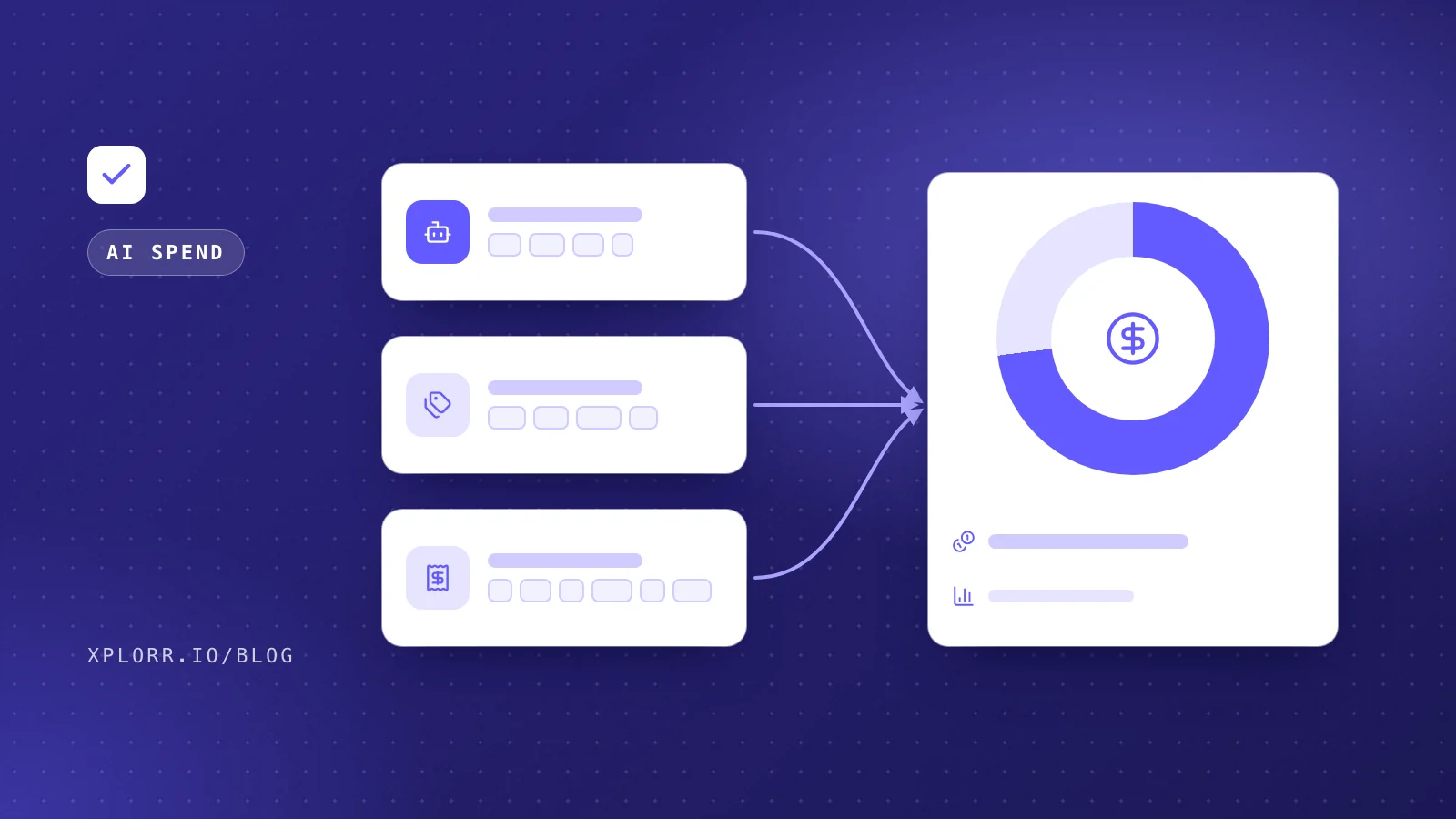
Finance sees several bills. Engineering sees none of them per feature. That is the gap LLM cost allocation closes: turning “we spent this much on AI” into “this feature cost this much, on this model, for this many requests”. The useful question is not how much you spend on AI, but which feature it is for and whether it is worth it.
Why is LLM spend hard to allocate?
Three things make it harder than ordinary cloud cost:
- It is split across providers with different billing models. OpenAI and Anthropic bill directly by tokens. Bedrock and Azure OpenAI bill through the cloud provider, where the charge sits next to your compute and storage.
- The unit is the token, not the resource. There is no instance to tag. One API key can serve five features, and the invoice will not tell them apart.
- Prices differ by model, by a lot. A feature that moves from a small model to a large one can multiply its cost without any change in traffic. Cost per feature has to be read together with cost per model.
Step 1: Give every feature its own billing boundary
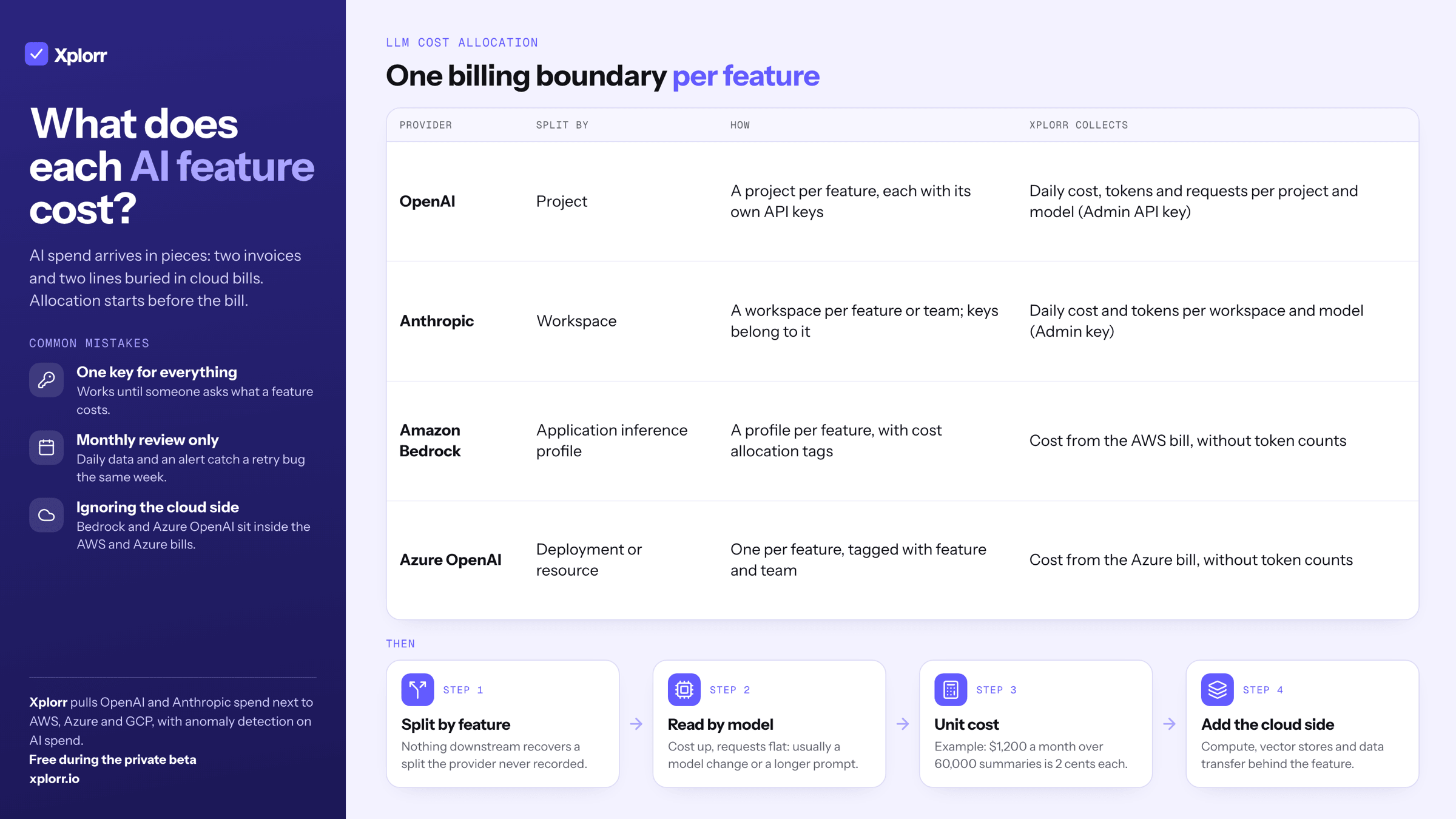
Allocation starts before the bill. Each provider has a unit that its usage and cost reports can split by, and the simplest allocation is one of those units per feature (and, ideally, per environment):
- OpenAI: create a project per feature or product area. Usage and cost reports break down by project, and each project has its own API keys.
- Anthropic: create a workspace per feature or team. Usage and cost reports break down by workspace, and keys belong to a workspace.
- Amazon Bedrock: create an application inference profile per feature and attach cost allocation tags to it. Calls made through that profile carry the tags into Cost Explorer and the Cost and Usage Report.
- Azure OpenAI: use a separate deployment or resource per feature, tagged with the feature and team, so the cost splits in Azure Cost Management.
If a single shared key serves everything today, splitting it is the most valuable hour you can spend on AI cost. Nothing downstream can recover a split the provider never recorded.
Step 2: Read cost by model, not only by feature
Once spend splits by feature, add the model dimension. Most providers report usage per model per day, with input and output tokens counted separately (output tokens usually cost several times more than input). The patterns worth looking for:
- A feature whose cost rose while its request count did not. Usually a model change, a longer prompt or a bigger context window.
- A feature on a large model doing a job a small one could do, such as classification, extraction or routing.
- Output heavy features, where limiting response length saves more than any prompt trimming.
Step 3: Turn it into a unit cost
A total per feature is a start. A unit cost is what lets someone decide whether the feature is worth it: AI cost per request, per active user, or per document processed. Divide the feature’s monthly AI spend by the count your product already tracks. As an example, a support summary feature that costs $1,200 a month and runs 60,000 times costs 2 cents a summary. That number can be compared with the value of the summary, which the total cannot.
Step 4: Put it next to the rest of the cloud bill
AI features rarely cost only tokens. They run on compute, read from vector stores and databases, and move data. Allocating the model bill on its own gives half the answer. The full cost of a feature is its LLM spend plus the cloud resources behind it, which is why AI spend belongs in the same view, with the same alerts, as the rest of your cloud cost. A runaway retry loop against a model API is a cost anomaly like any other, and it should reach the same channel.
Common mistakes
- One key for everything. It works until the first time someone asks what a feature costs.
- Monthly review only. Token spend can climb quickly after a release. Daily data and an alert catch a prompt or retry bug the same week.
- Ignoring the cloud side. Bedrock and Azure OpenAI charges are easy to miss because they sit inside AWS and Azure bills, not on a separate AI invoice.
How Xplorr shows AI spend
Xplorr pulls OpenAI and Anthropic spend next to AWS, Azure and GCP. With an OpenAI organization Admin API key, it collects daily cost, tokens and requests per project and model. With an Anthropic Admin key, it collects daily cost and tokens per workspace and model. Bedrock and Azure OpenAI appear from the cloud bill itself (cost, without token counts). All of it sits in the same console, and anomaly detection runs on AI spend as it does on cloud services, with alerts in Slack and by email.
See AI spend for the view, OpenAI and Anthropic cost tracking for how it compares with the providers’ own dashboards, and cost sources for other spend outside the cloud bill. The AI spend guide covers the keys each provider needs. Xplorr is free during the private beta.
Keep reading
- How AI is Changing Cloud Cost Management: MCP, Slack Bots, and Natural Language FinOps
- Building a FinOps Practice That Engineers Actually Follow
- Why Did My AWS Bill Go Up? Five Questions That Find the Cause
See how Xplorr helps → Features
Written by
Xplorr team
The people who build Xplorr
Written together by the engineers who build Xplorr: the AWS, Azure, GCP and Kubernetes collectors, the console, and the alerting behind them.
About Xplorr