How to Read Your AWS Bill: Five Places Spend Hides Outside EC2
How to read your AWS bill by usage type: where NAT Gateway, cross AZ traffic, EBS, CloudWatch Logs and idle load balancer charges appear, and what they mean.

Xplorr team
The people who build Xplorr
In this post
- How do you see usage types in Cost Explorer?
- 1. NAT Gateway: NatGateway-Hours and NatGateway-Bytes
- 2. Cross AZ traffic: DataTransfer-Regional-Bytes
- 3. EBS volumes and snapshots nobody owns: EBS:VolumeUsage and EBS:SnapshotUsage
- 4. CloudWatch Logs: DataProcessing-Bytes and TimedStorage-ByteHrs
- 5. Idle load balancers: LoadBalancerUsage
- Why do these costs stay hidden?
- A faster first pass
Most people read their AWS bill by service: EC2, RDS, S3, and a line called “EC2 - Other” that nobody quite owns. The service view answers “which product”, but it hides the question that matters when you want to cut spend: what is this charge actually for?
The answer lives one level down, in the usage type. Every line on an AWS bill carries one, and it names the thing you are paying for: an hour of a NAT gateway, a gigabyte crossing an availability zone, a gigabyte-month of snapshot storage. Learn to read the bill by usage type and five of the most common hidden costs stop being hidden.
How do you see usage types in Cost Explorer?
Open Cost Explorer, set the range to the last three full months with monthly granularity, and under Group by choose Usage type. Every bar now splits into lines such as USE1-NatGateway-Bytes or EBS:SnapshotUsage. The prefix is the Region code (USE1 is us-east-1, EUC1 is eu-central-1). Lines without one are us-east-1 in many services.
Two filters make the view far more useful:
- Service = EC2 - Other. This is where NAT gateways, EBS volumes and snapshots, Elastic IPs and most data transfer land. It is often the second largest EC2 line and the least understood.
- Exclude credits and refunds. A credit can make a costly usage type look free for months, then the credit runs out.
If you have a Cost and Usage Report, the same field is lineItem/UsageType (or line_item_usage_type in CUR 2.0), and it sits next to the resource ID when you have resource IDs switched on.
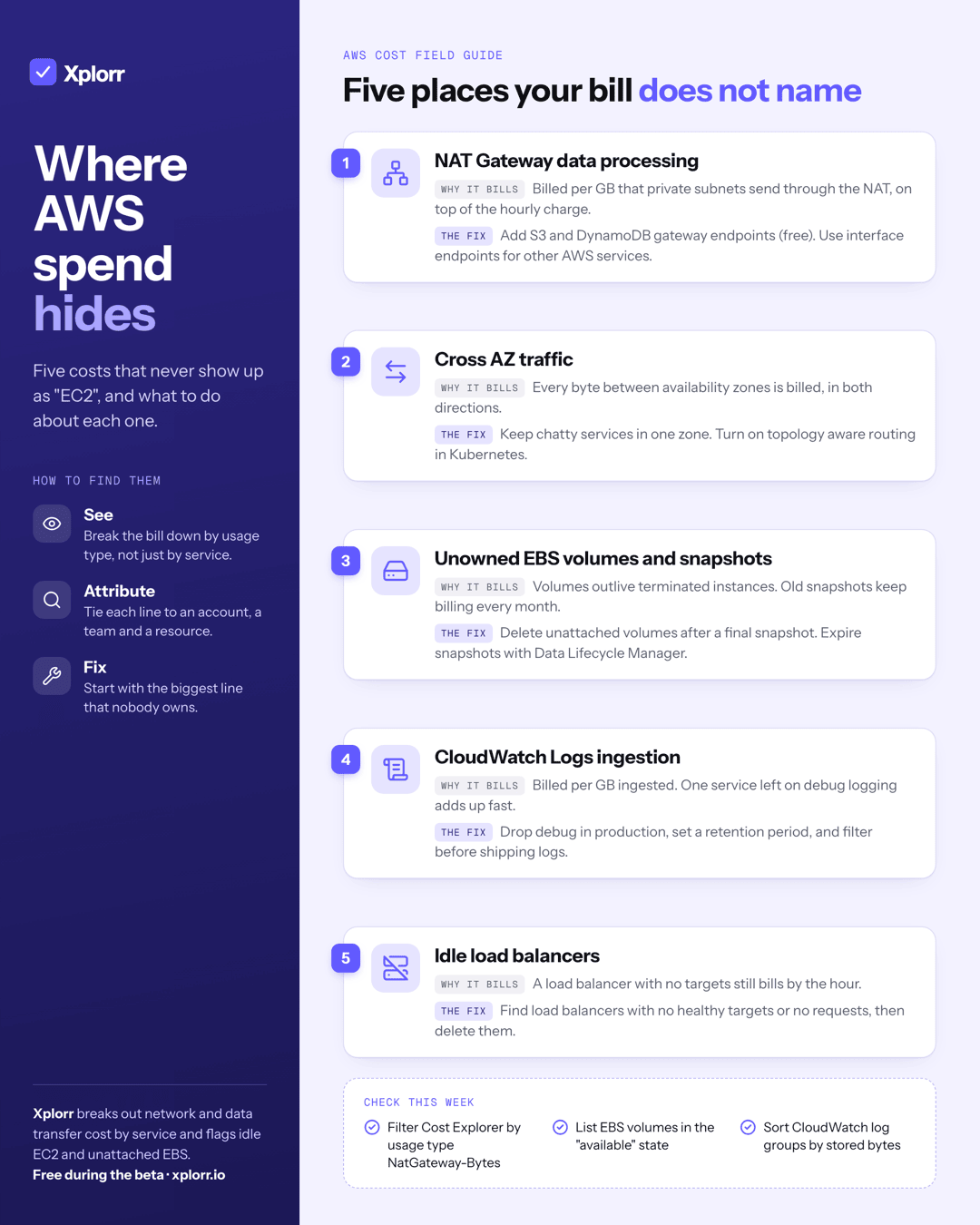
1. NAT Gateway: NatGateway-Hours and NatGateway-Bytes
A NAT gateway bills twice: by the hour it exists (NatGateway-Hours) and by every gigabyte it processes (NatGateway-Bytes). In us-east-1 both are $0.045, per hour and per GB. The hourly part is small and predictable. The per GB part scales with traffic from private subnets, including traffic to other AWS services such as S3, ECR and DynamoDB.
As an example, a private subnet pulling 5 TB a month from S3 through a NAT gateway pays about $225 in processing alone (5,000 GB x $0.045), on top of the hourly charge. S3 and DynamoDB gateway endpoints are free and take that traffic off the NAT. Interface endpoints for other services have their own hourly and per GB price, so compare them before switching.
2. Cross AZ traffic: DataTransfer-Regional-Bytes
Traffic between availability zones in the same Region shows up as DataTransfer-Regional-Bytes. It costs $0.01 per GB in each direction, so a gigabyte that crosses a zone boundary is billed once leaving and once arriving. Chatty services spread across zones (an API in one, its cache in another, a database replica in a third) add it up quietly.
The fixes are placement and routing: keep chatty pairs in the same zone where availability allows, and in Kubernetes turn on topology aware routing so a Service prefers endpoints in the caller’s zone.
3. EBS volumes and snapshots nobody owns: EBS:VolumeUsage and EBS:SnapshotUsage
Terminate an instance and, unless delete on termination was set, its volumes stay behind in the available state, billing every month. EBS:VolumeUsage.gp3 is $0.08 per GB-month in us-east-1, so a forgotten 500 GB volume is $40 a month for storage nobody reads. Snapshots bill as EBS:SnapshotUsage at $0.05 per GB-month, and old migration or pre upgrade snapshots are easy to forget because nothing breaks when they stay.
Delete unattached volumes after a final snapshot you actually intend to keep, and expire snapshots with Amazon Data Lifecycle Manager rather than by hand.
4. CloudWatch Logs: DataProcessing-Bytes and TimedStorage-ByteHrs
Log ingestion bills under the CloudWatch service as DataProcessing-Bytes, at $0.50 per GB for standard log groups in us-east-1. Storage bills separately as TimedStorage-ByteHrs. One service left on debug logging in production can ingest more in a month than the service itself costs to run.
Set a retention period on every log group (the default is to keep logs forever), drop debug output in production, and filter before shipping rather than after.
5. Idle load balancers: LoadBalancerUsage
A load balancer bills by the hour whether or not it has healthy targets. For an Application Load Balancer that is LoadBalancerUsage at $0.0225 an hour in us-east-1, about $16 a month before any traffic charges. Environments that were torn down often leave their load balancers behind. Look for load balancers with no registered targets or no requests over the last few weeks, confirm with the owner, and delete them.
Prices checked September 2026, us-east-1 list prices. Check your own Region and any discounts you have.
Why do these costs stay hidden?
None of these charges are hard to fix. They stay because of how the bill is presented: grouped by service, most of them fold into “EC2 - Other” or a generic data transfer line, and none of them names the team or the resource behind it. The habit that fixes this is simple. Once a month, group by usage type, sort by cost, and ask who owns the largest line that nobody recognizes.
For a deeper walk through the prices and the network side, see hidden cloud costs you are probably missing. For the CLI commands that turn each finding into a cleanup list, see the AWS cost audit guide.
A faster first pass
If you would rather not build the Cost Explorer view by hand, the free AWS waste finder reads a Cost Explorer CSV grouped by usage type, or a Cost and Usage Report, in your browser. It totals NAT gateway processing, cross AZ transfer, EBS snapshots and the other categories above, and nothing is uploaded.
Xplorr does this continuously once an account is connected with read only access. Network cost splits AWS data transfer into internet egress, inter AZ, cross Region, NAT gateway, VPC endpoint and CDN traffic, by account and by resource. Recommendations flag EC2 instances averaging under 5% CPU over seven days and EBS volumes left unattached. It is free during the private beta.
Keep reading
- Hidden Cloud Costs You’re Probably Missing Right Now
- AWS Cost Optimization Strategies That Actually Work
- Why Did My AWS Bill Go Up? Five Questions That Find the Cause
See how Xplorr helps → Features
Written by
Xplorr team
The people who build Xplorr
Written together by the engineers who build Xplorr: the AWS, Azure, GCP and Kubernetes collectors, the console, and the alerting behind them.
About Xplorr